SailorSkillsPro
Loading…
Loading…
Short walkthroughs of each part of SailorSkills Pro.
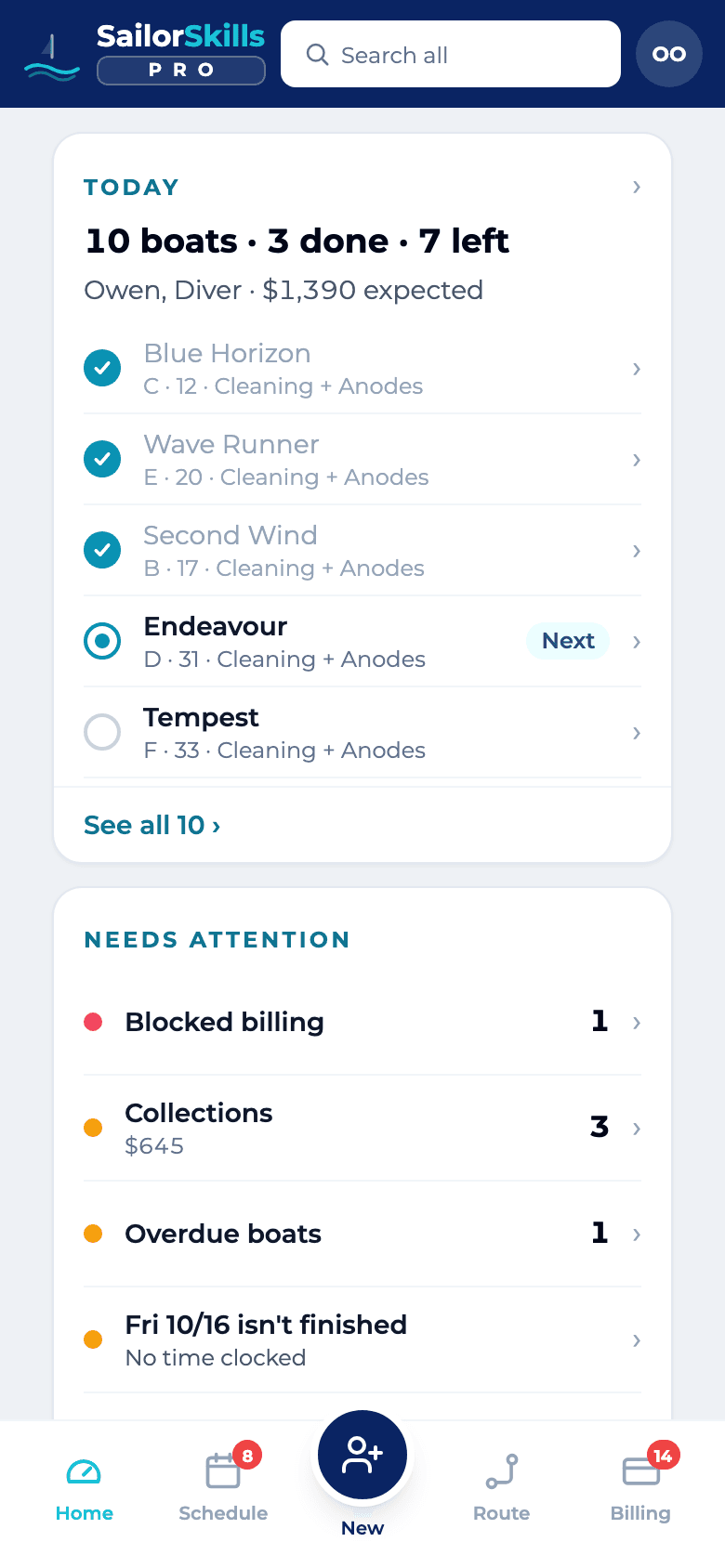
Your stops in order and anything that needs you, in one look. Know your day before the coffee’s done.
Open the app to today's stops in order, what they should bring in, and which boat is next. The route orders your stops automatically: marina to marina by drive time, then dock by dock and slip by slip. Below that, one Needs attention list: payments to collect, boats overdue, jobs ready to charge, new requests, and stock below target. Then the month's pace: what is done, what is billed, and where the month is heading.
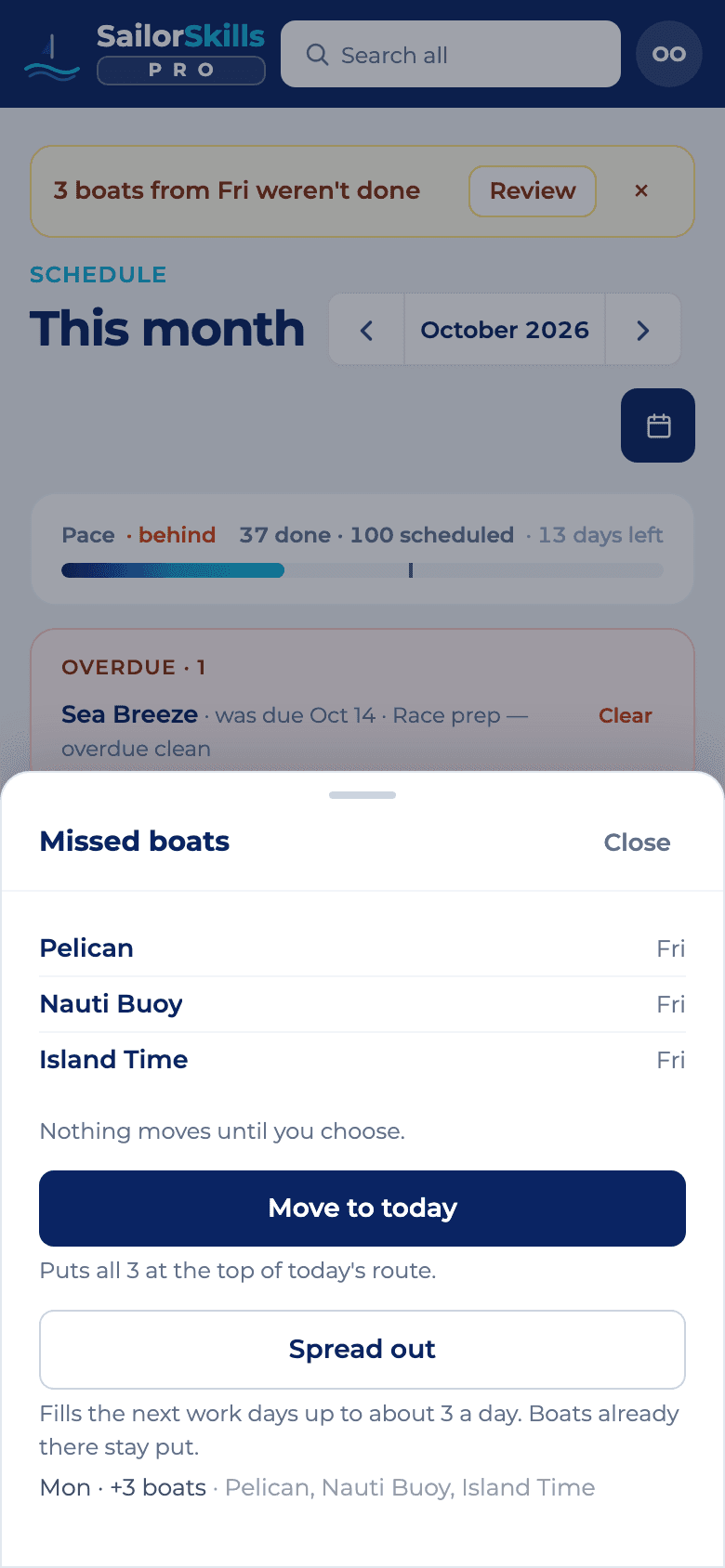
Drag a boat, move a day, reflow the week when bad weather rolls in. Plan once, and stop re-planning at dinner.
See the week, two weeks or the whole month, assign jobs to divers and drag them between days, or move a whole day when the weather turns. After a short day the board lists the boats you missed and moves them to today, or spreads them over the next work days at your usual pace. When the day changes, Plan day replans it in one tap: which boats, in what order, and what moves to another day. If you get around the marina by water, choose boats by due date or by location, so one dock’s boats land on the same day. Deadlines and date requests still come first. Plan month knows your days: tap the days you can work on or off (an all-day calendar event counts as a day off unless you turn it on), take the day off on a short day, and be back at base an hour before sunset, with the work balanced across the days left. Nothing moves until you tap.
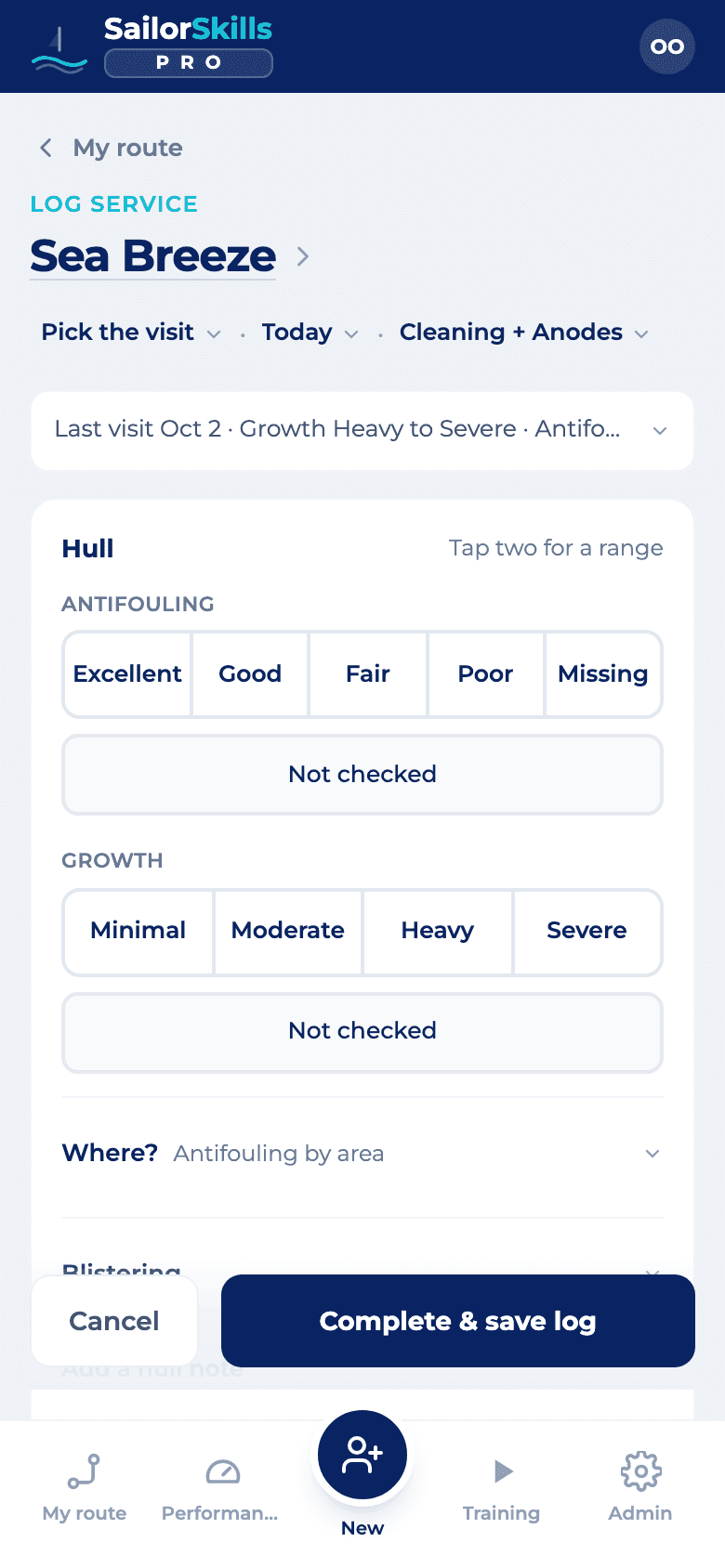
About 8 taps at the dock: condition, anodes, photos and video. No write-ups at the kitchen table.
Record the work when you finish it: hull condition, growth level, the anodes you replaced, and before and after video. Turn on the streamlined log in Settings for about 8 taps instead of 14, with one-tap All clear and No findings answers and the boat's prop and coating remembered. The quick answers stay quick, and each one opens on tap into the detailed inspection: growth by surface (barnacles, mussels and algae by stage), corrosion by part and type, antifouling, blisters and coating by area, and the saildrive and running gear. The log becomes the customer record and the basis for the bill.
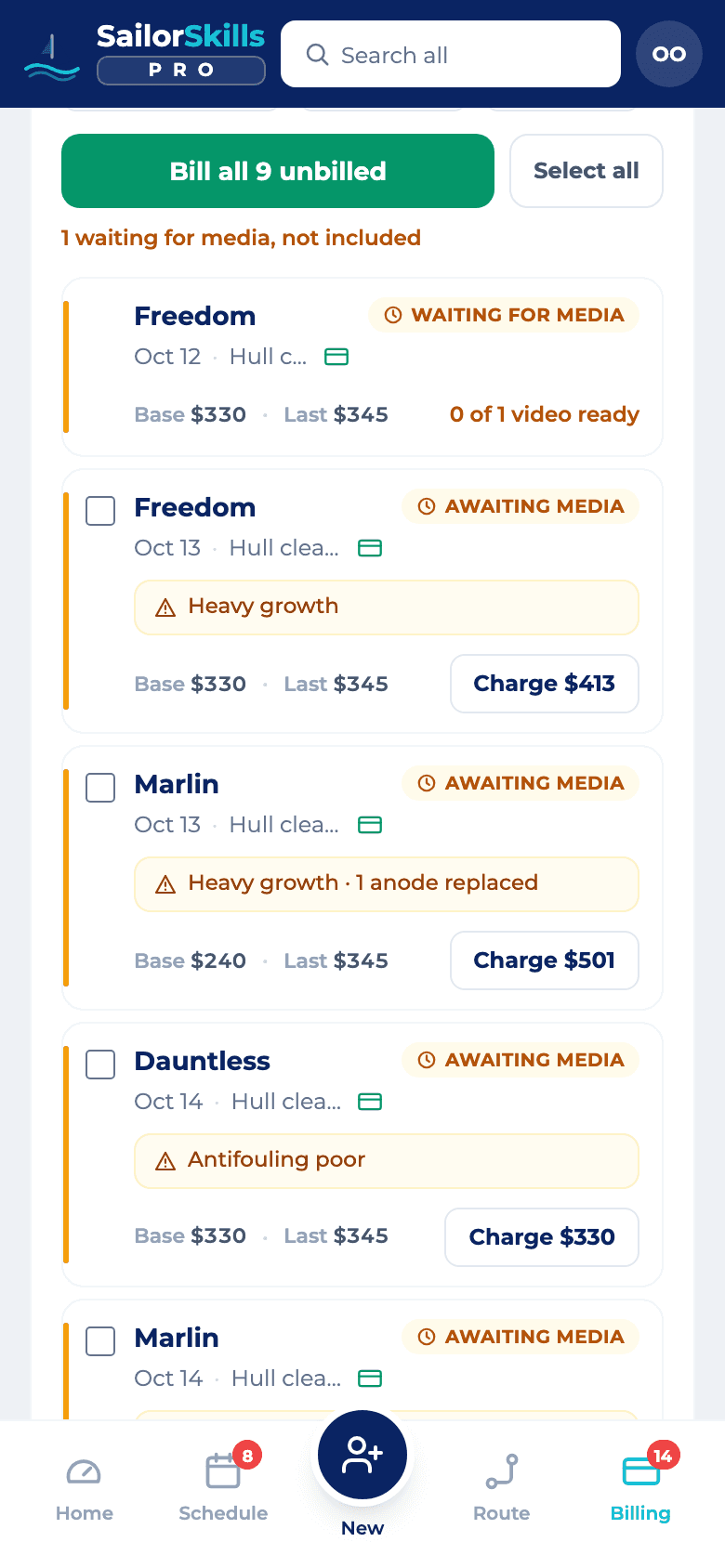
Charge the card or send the invoice the day of the dive. Paid faster, never chasing a lost invoice.
Every completed job lands in the billing ledger, on your phone or at a desk. Review the amount, then charge the card on file, send the invoice, or just send the report, right from the visit. A customer who would rather not keep a card on file can pay by invoice: they get an invoice instead of a charge, with reminders, and a payment hold on the boat if a bill runs late. Or tap Bill all unbilled: one confirm lists every amount before anything goes out. The customer gets the line items and condition notes either way. When anodes are due on a separate visit, or you’ll be back for a return visit, the receipt or invoice tells the owner what comes next, without a phone call.
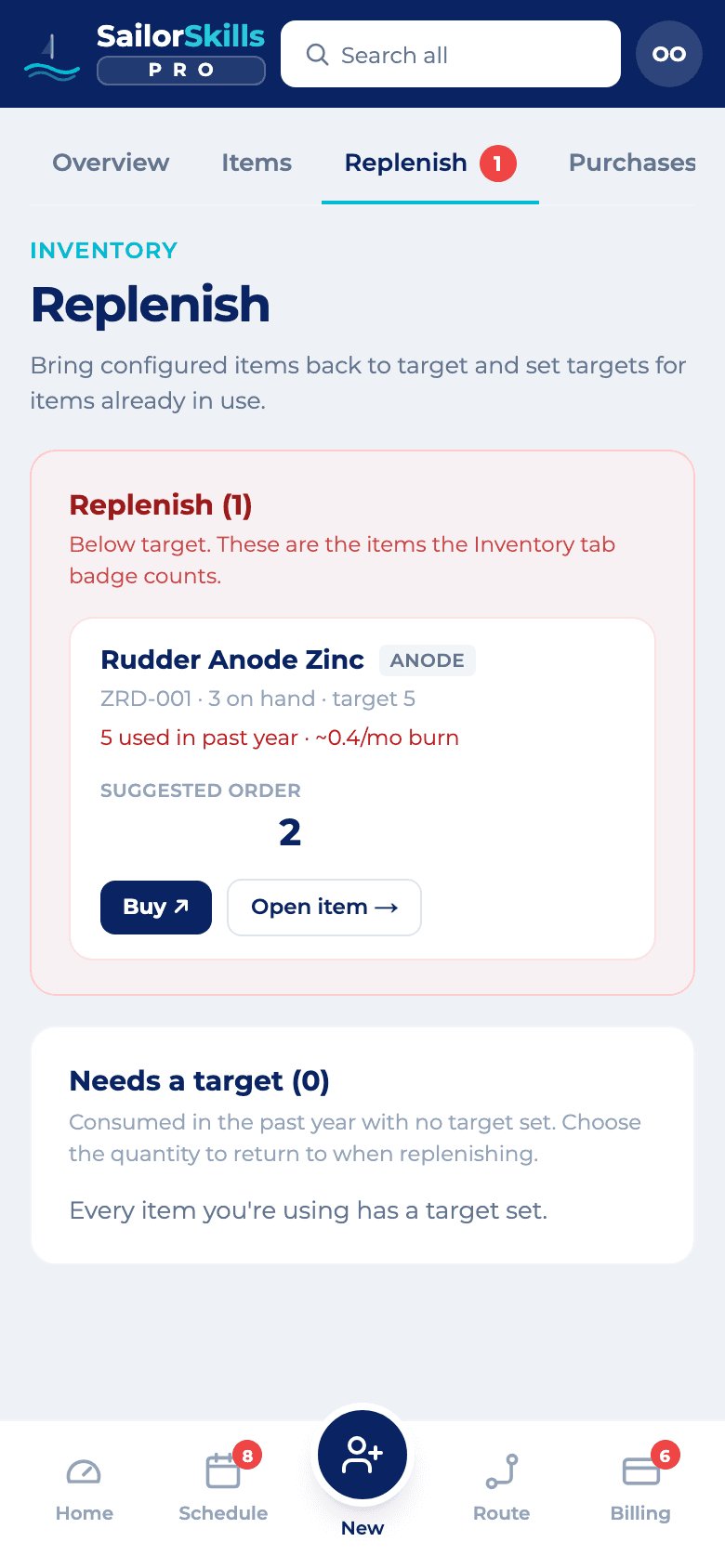
Anodes and parts count down as you log, with the reorder list ready. No Sunday trip to check the van.
Count anodes and parts as you use them. Set a Target on hand for each item and the app flags anything below target, with the exact quantity needed to replenish.
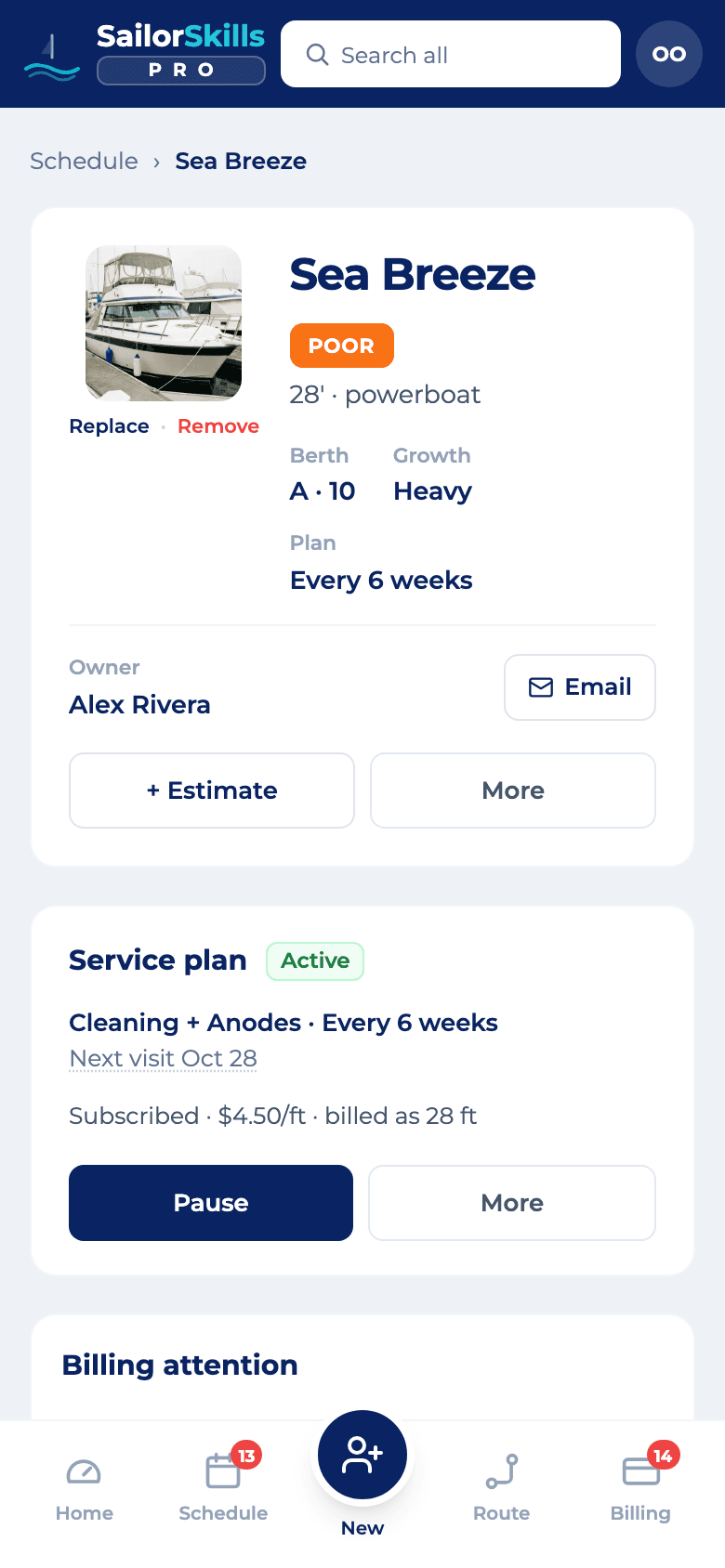
Every visit, photo and video on the boat’s own page, for you and the owner. Answer any question from the dock.
Open a boat to see its dimensions, its owner, and every visit logged against it. Its service plan sits on the same screen: pause it for the winter, resume it, change how often you come, or cancel. Tap the next visit date to move it to today, tomorrow or any day you pick, and the schedule and the route follow. Mark a service in your price book as good for a set number of months, like Max-Prop grease for 12, and the visit that bills it shows good until Jul 26, 2027 on the boat and in the owner's report email, with a Due soon badge and then Due. The history stays with the boat, including when ownership changes hands. Every visit's photos and HD video are stored for you at no extra cost. Your customer gets a link in each receipt to their boat's own page, with the full history of your work in one place. No more Google Drive or YouTube links.
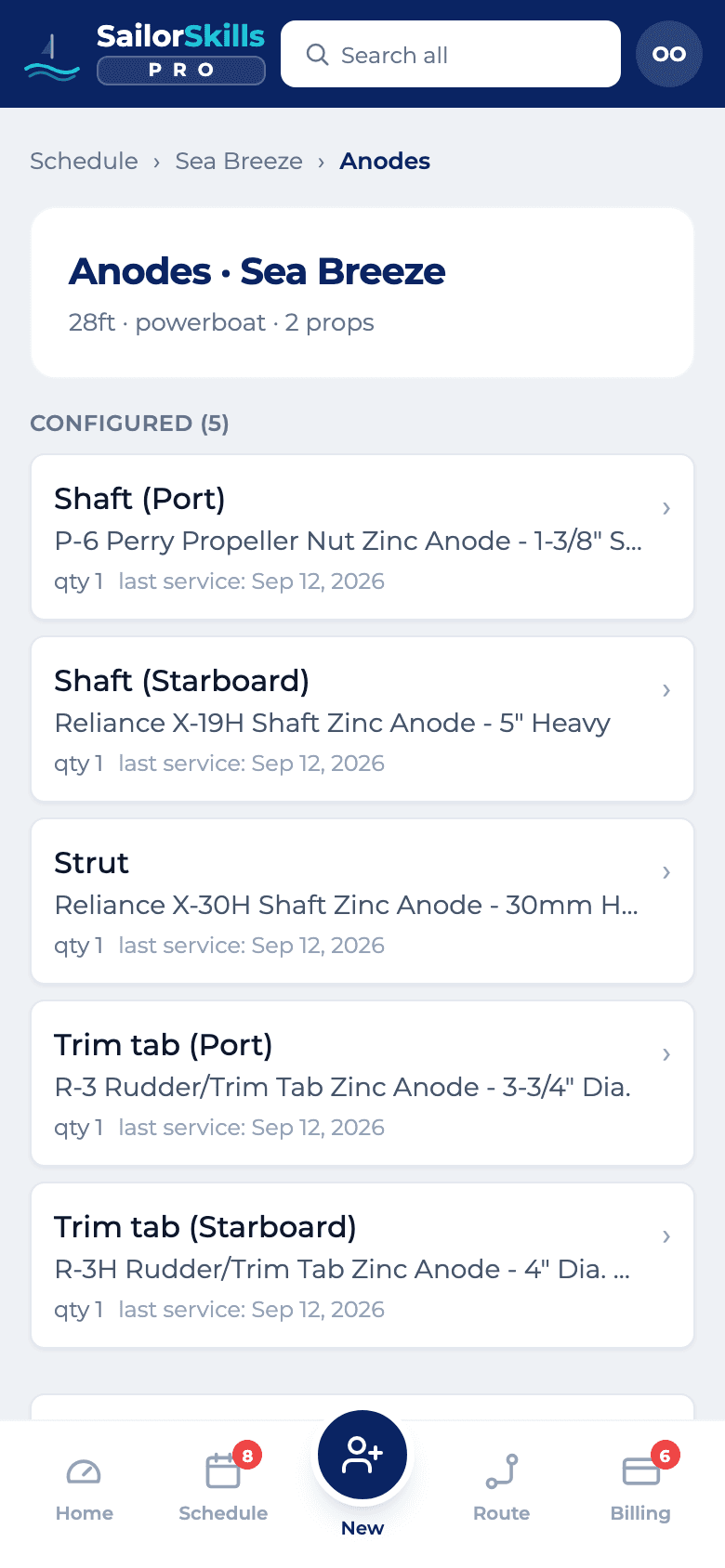
Each boat carries its own anode manifest. Track the location and position of every anode, and how often it needs replacing. When you service the boat you already know which anodes it takes and which ones are due.
You arrive already knowing the boat. Owners notice, and they stay.
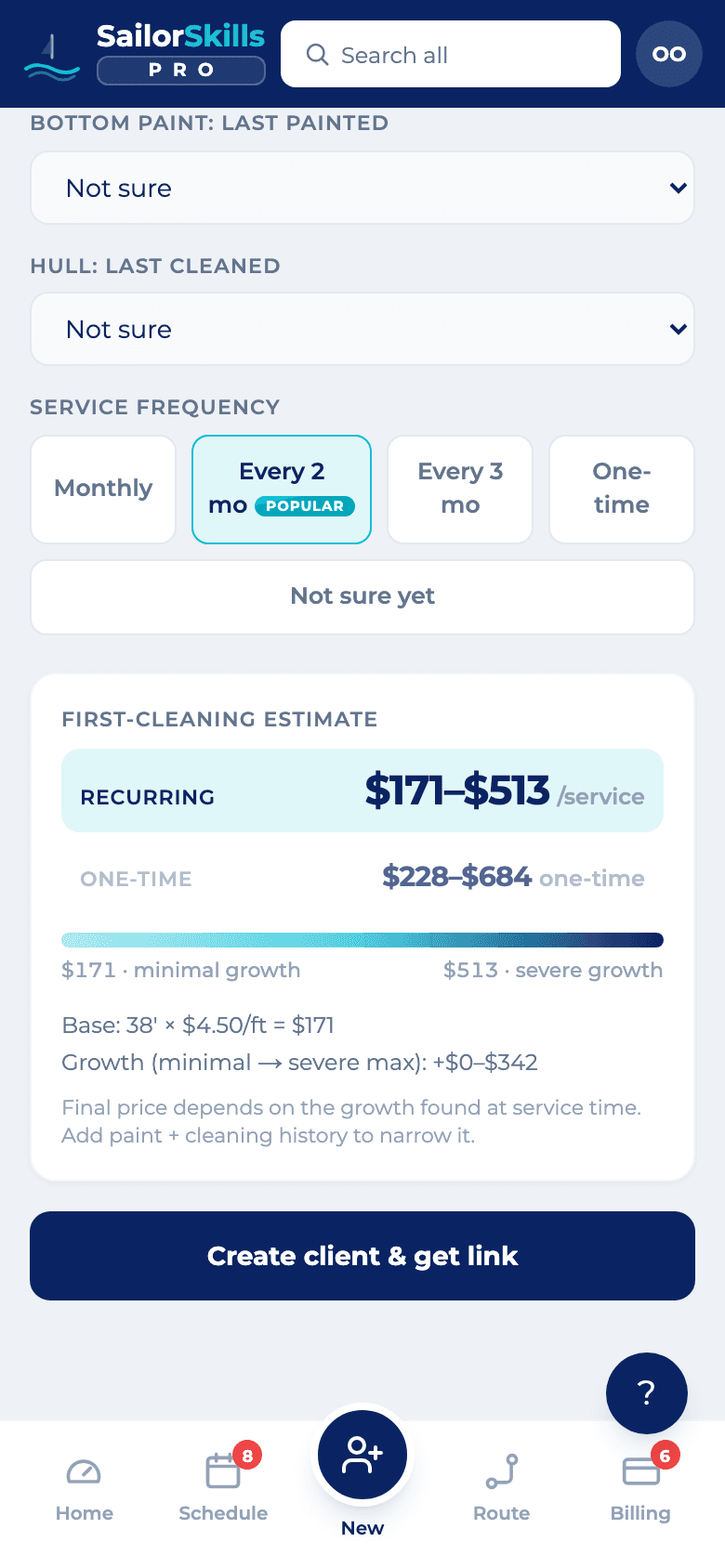
Your own page and order form on SailorSkills.com, no website needed. Quote new owners while they’re still on the dock.
Your business gets a public page on SailorSkills.com, at sailorskills.com/p/your-name, where boat owners find you. Quote requests, messages and booking requests from your SailorSkills.com page land at the top of Leads, next to the clients you capture at the dock. Call, text or email them back, or tap Add as lead and the new client form opens already filled in. At the dock, capture a new client with their boat and how often they want service. The estimate builds from your own rate card as you type, and one tap creates the client and a link to send them. The link opens your own order page at pro.sailorskills.com/your-name/order, with your name, logo, accent color and terms, priced from your rates and already filled in. The customer saves a card on your own Stripe account, or orders to pay by invoice when Stripe isn’t connected, and the order lands in Orders. For a one-time job, send a quote by email or text. The customer opens a page with your business name on it, approves by typing their name, and the job lands on your schedule. You don’t need a website of your own to take signups.
Divers get their own login, and a trusted colleague can cover a boat you can’t. Payroll adds itself up.
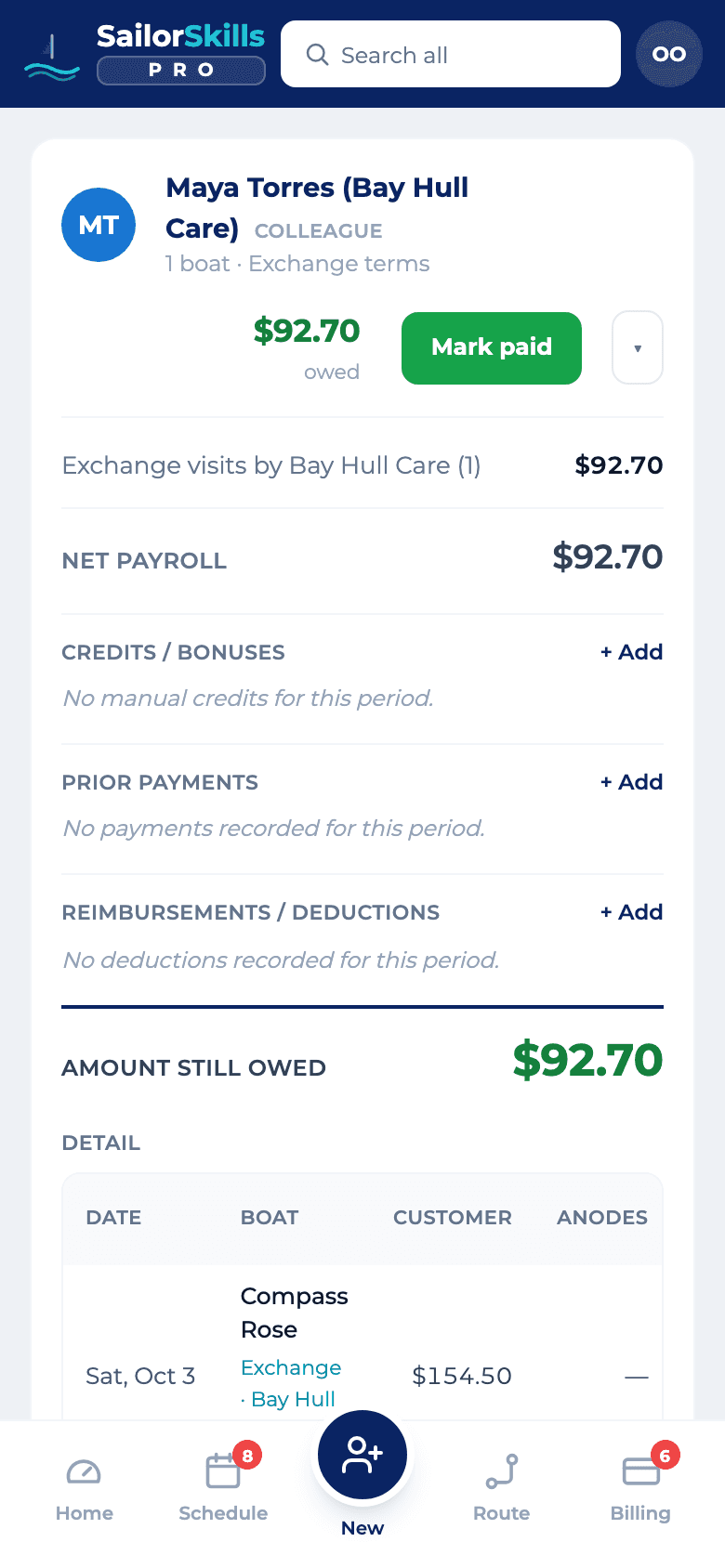
Give every diver their own login, at no extra cost. When you can’t get to a boat, post it to a trusted colleague on the Exchange and it lands on their schedule. When a colleague sends you boats, Assign to my crew puts each one on one of your divers’ routes. Every visit goes onto payroll at the agreed share, whether you, a diver or a colleague did it, so the payroll view shows what the business earned, what your divers and colleagues are owed, and what is left for the owner.
Start free with up to 15 boats of your own.